Write it down.
It files itself.
BrainDump sorts everything you type into a graph of topics by what it means. Claude keeps your project board up to date, so you never have to.
Three places, nothing to maintain.
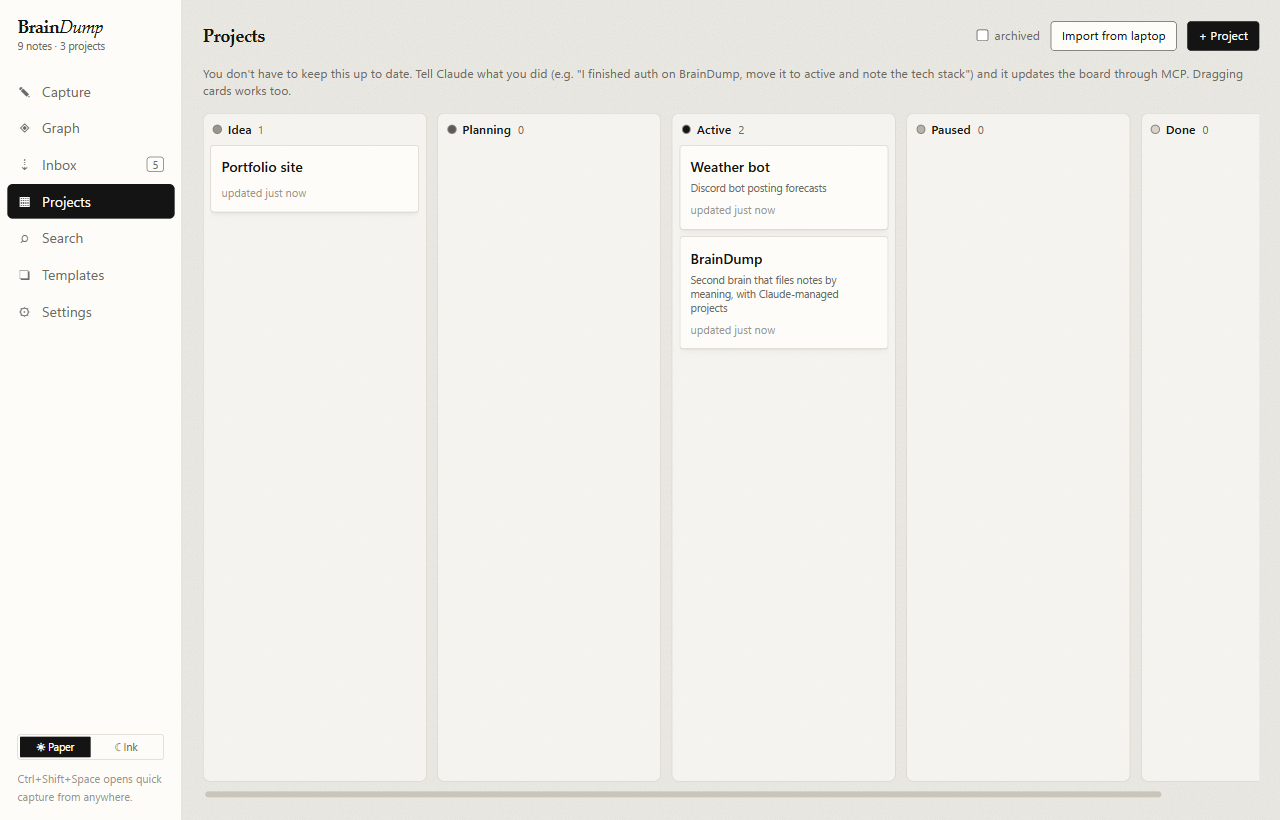
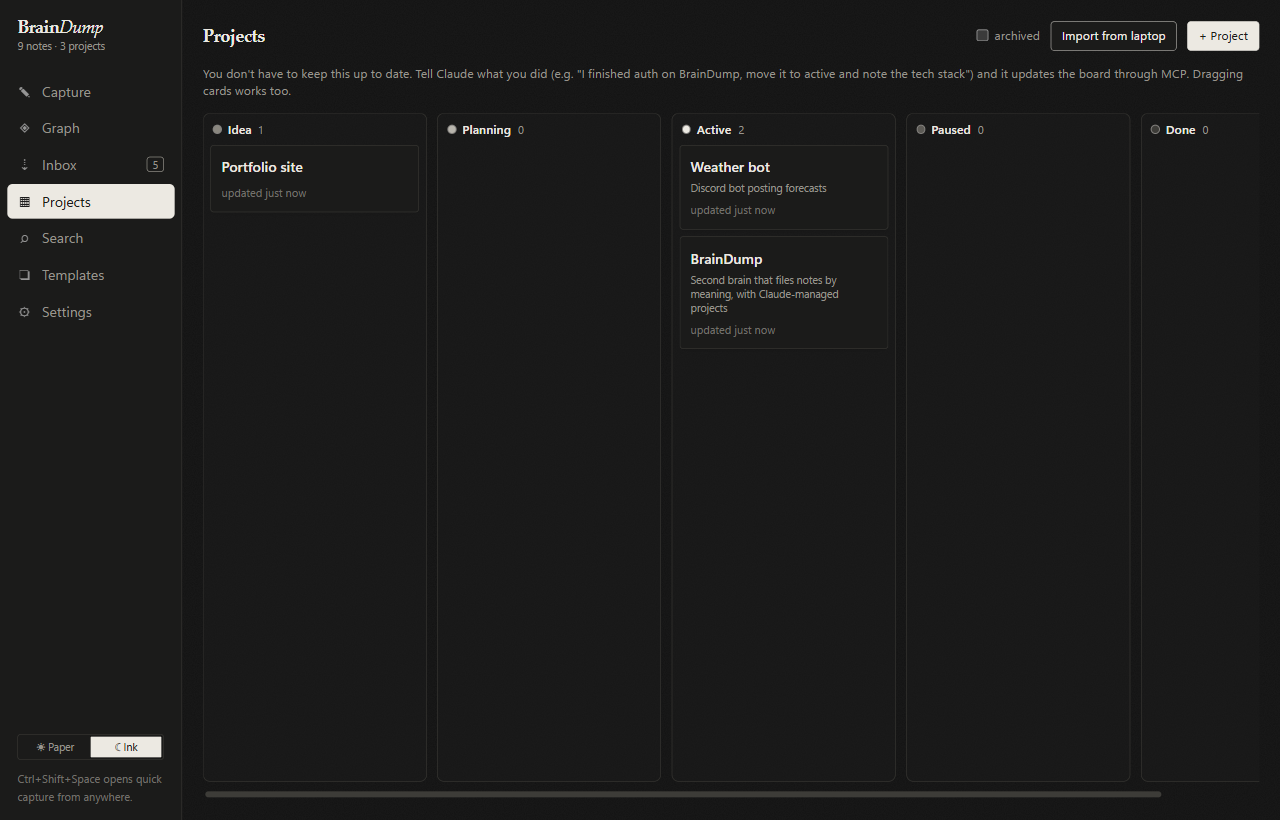
Capture on the left, topics in the middle, projects on the right. These are real screenshots. Switch the theme at the top and they change too.
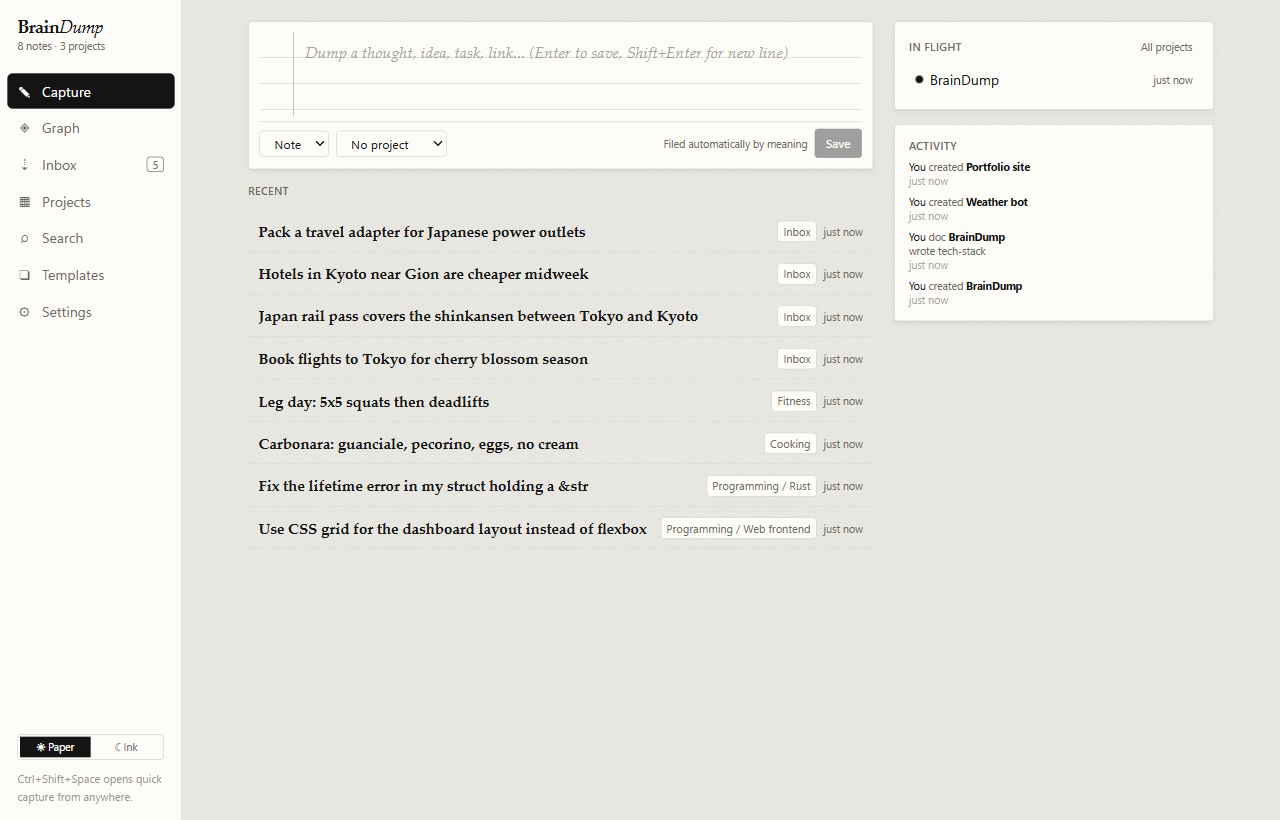
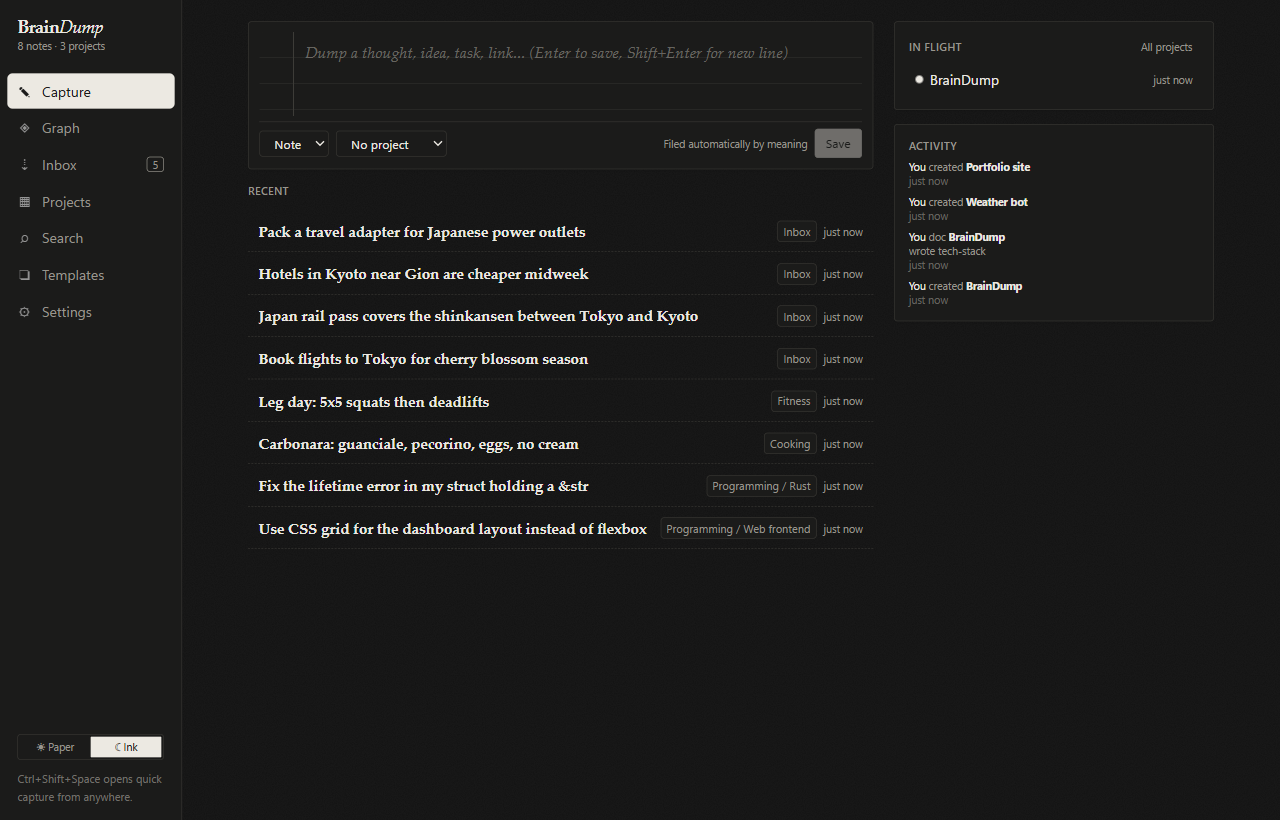
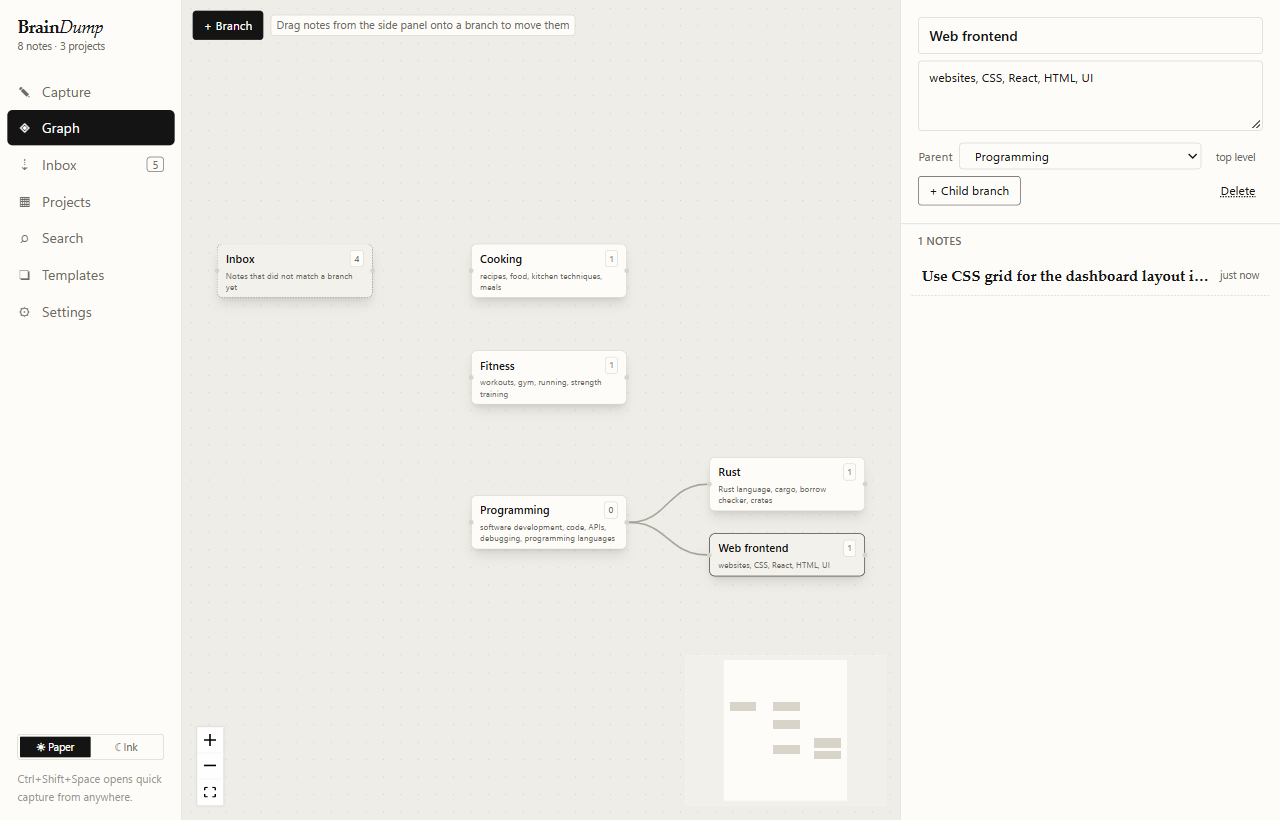
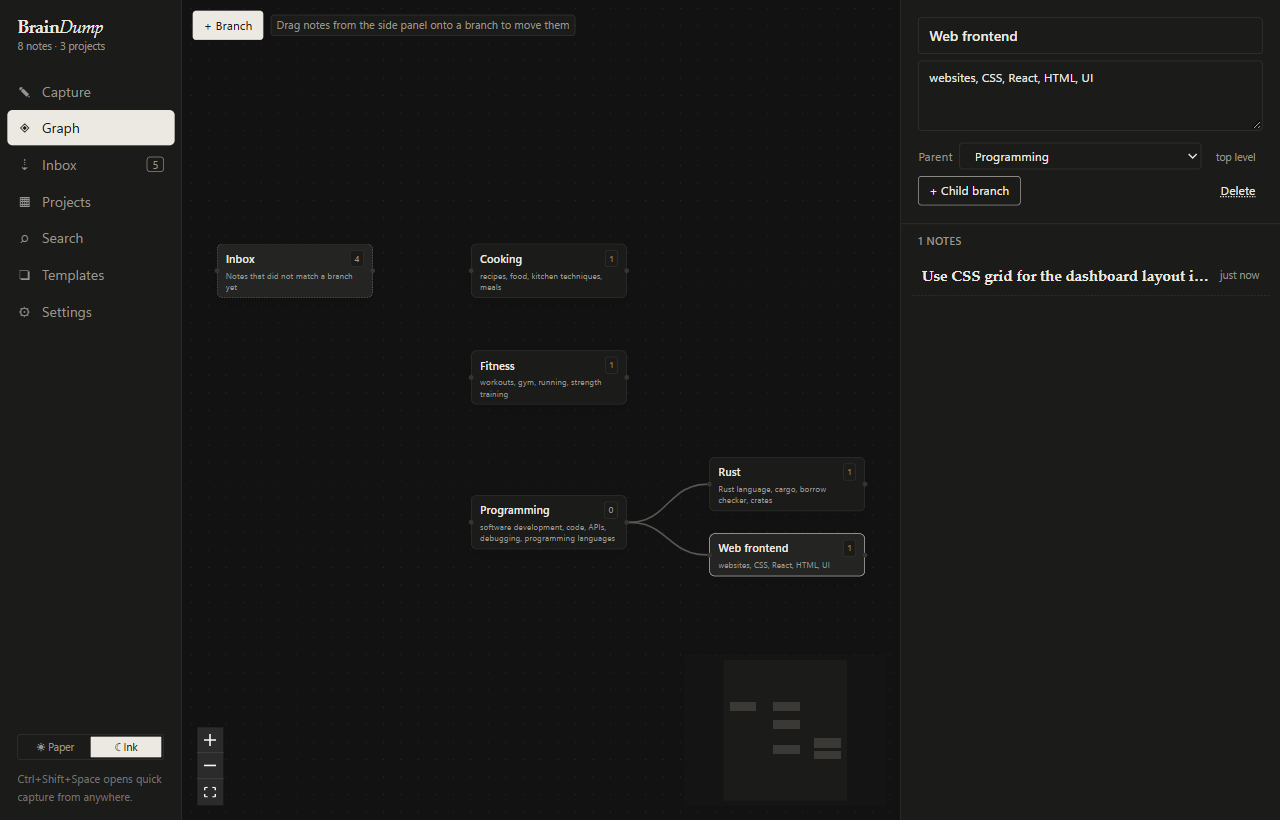
Branches describe themselves. Notes find their way.
Each branch in your graph has a short description. New notes are compared with those descriptions and with the notes already there, and go to the best match.
Dump it
Use the app, the global shortcut, or ask Claude. Ideas, tasks, links, half-sentences: anything goes.
Read for meaning
A local model (bge-base) turns the note into a vector on your own CPU. Nothing leaves your laptop.
File or ask
A clear match gets filed. An unclear one goes to the Inbox, and similar Inbox notes turn into a suggested new branch.
// every branch gets a score
score = max(
  similarity(note, branch description),
  mean(2 nearest notes in branch) − offset
)

// then
below threshold     → Inbox
child barely wins   → stay in parent
two rivals tie      → common parent
close runner-up     → "related" link
Tell Claude what you did. The board keeps itself.
BrainDump comes with an MCP server. Connect it to Claude Desktop or Claude Code once, and Claude can set statuses, write tech-stack and how-it-works files, log your work and pull in ideas you wrote down months ago.
log_activity(Weather bot, "auth done")
write_project_doc(Weather bot, tech-stack, …)
Small tools, so it costs few credits
Search and filing run locally for free. The tools return one-line summaries and only send a whole file when Claude asks for it. A check-in prompt updates only what changed.
Every project starts with the right pages.
The default Project template has idea-raw, plan, tech-stack and how-it-works. Make your own sets, such as Research with question, sources and findings. Claude can also add a new page whenever you need one.
Want projects you already have? Ask Claude to scan your laptop. It finds git repos and project folders and brings in their README and detected stack.
No account. No cloud. One file. Open source.
Everything lives in a single SQLite database in your AppData folder. Back it up by copying it.
Embedding, search and filing run on your CPU. The model downloads once (about 440 MB), then works offline.
All the code is on GitHub. Read it, fork it, send a pull request.
When Claude changes something through MCP, the open app updates within a second.
Frequently asked.
What is BrainDump?
BrainDump is a free desktop app for Windows that works as a second brain. You write notes, ideas, tasks and logs, and it files each one into a graph of topics by what it means, so you never pick a folder. It also keeps a project board with a status, plan and tech stack for each project.
Does my data leave my computer?
No. Notes are stored in one SQLite file on your machine, and the embedding model that sorts them runs on your CPU. The only downloads are the model, once (about 440 MB), and app updates if you turn them on.
How does it work with Claude?
BrainDump includes an MCP server. Add it to Claude Desktop or Claude Code from Settings with one click, then ask Claude to save an idea, update a project's status or write its tech stack. The tools return short summaries to keep token use low.
How does it decide where a note goes?
Each topic, called a branch, has a description. A new note is compared with every branch description and with the notes already in it. If nothing matches well enough, the note waits in the Inbox, and BrainDump suggests a new branch once several similar notes collect there.
Is it free?
Yes. BrainDump is open source under the Apache 2.0 license, with no account, subscription or usage limits.
Does it run on Mac or Linux?
The installer is for Windows 10 and 11. The code is cross-platform Electron, so building it from source on macOS or Linux should work, but it has not been tested there yet.
Start dumping.
Download the installer for Windows 10 or 11, or build it from source with Node.js. Then open Settings → Connect Claude to add it to Claude Desktop or Claude Code with one click.
The installer is not code-signed yet, so Windows SmartScreen may warn you: choose More info → Run anyway. BrainDump updates itself from GitHub Releases.
# build and run from source
> git clone https://github.com/SahilSidhu7/BrainDump.git
> cd BrainDump
> npm install
> npm run build
> npm start

# or a Windows installer
> npm run dist